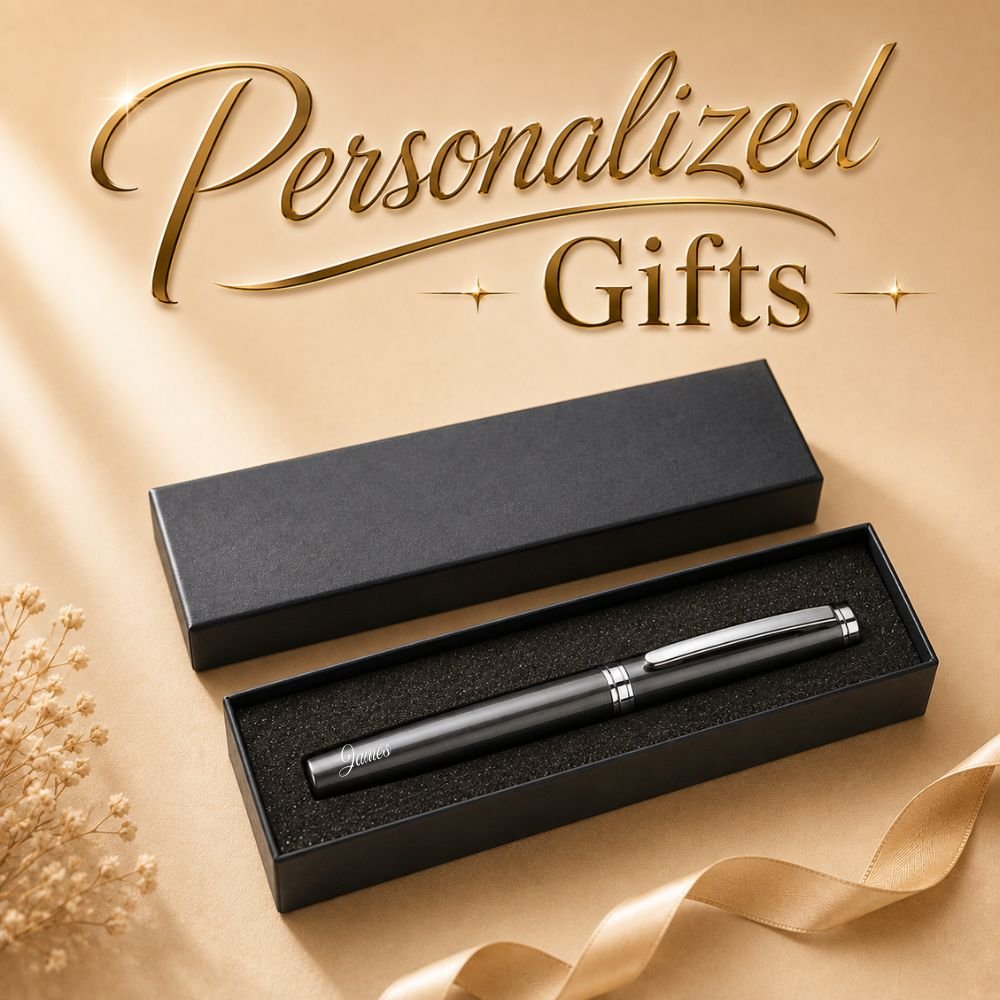
Personalized Roller Pen Gift Set with Custom Name & Gift Box

RM20.00 RM11.79

Personalized Roller Pen Gift Set makes a stylish and practical gift for any special occasion.
Add a name to the pen for a simple and personal touch.

  • Custom engraving available for your Name, Text or Slogan.
  • 0.5mm
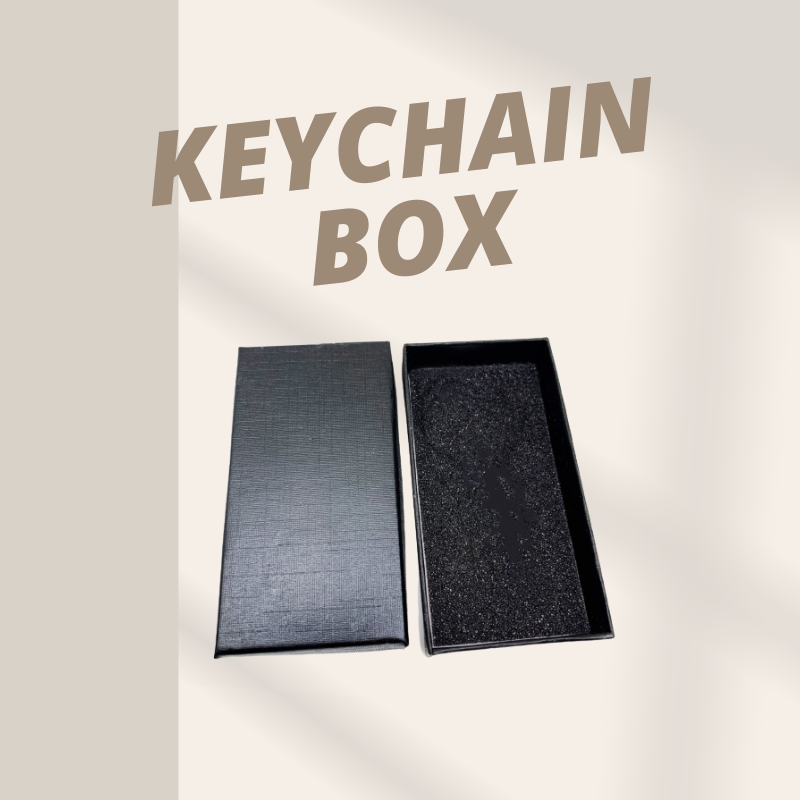
  • Box size : 18 x 5.3 x 2.5cm

✓ Custom Name
✓ Perfect for Gifts & Events
✓ Bulk Orders Accepted

Earn up to 12 points.
RM

Type Above

Personalized Roller Pen Gift Set makes a stylish and practical gift for any special occasion.

Customized with your name for a simple and personal touch.

Whether for yourself or someone special, a personalized name makes each roller pen feel more unique and meaningful.

Presented with a matching pen box, the set is ready for gifting while keeping the pen neatly protected and beautifully displayed.

Designed for comfortable everyday writing, the roller pen is suitable for work, meetings, study, journaling and daily use.

Simple, elegant and practical, this personalized pen gift set is suitable for birthdays, appreciation gifts, corporate events, celebrations and other special occasions.


Planning a larger order?

Bulk Orders Accepted.

If you need multiple notebooks for an event, company, school, team or special occasion, please contact us with your required quantity and personalization details.

For orders with different individual names, please provide the name list when placing your order or contact us for assistance.
WeightN/A
ColorBlack, Grey, Blue, White

Reviews

There are no reviews yet.

Be the first to review “Personalized Roller Pen Gift Set with Custom Name & Gift Box”

Your email address will not be published. Required fields are marked *

How To Order?

  1. Select the Product Option: Provide a selection of product options for the user to choose from. This could include different variants of the same product (e.g., size, color) or different products altogether.
  2. Add the Product: After selecting the product option, allow the user to specify additional customizations if applicable, such as choosing a font type for custom text.

    Example: “Customize your product:”

    • Select font type:
      • Gabriola
      • Monbaiti
      • Mvboli
  3. Type the Customized Name (Optional): Provide a field where the user can input the personalized text or name they want to have printed or engraved on the product.

    Example: “Enter customized name: [Text input field]”

  4. Upload Design File (Optional): Introduce an option for users to upload a design file if they have specific artwork or designs they want to include on the product.

    Example: “Upload your design file (JPEG, PNG, PDF,AI,PSD): [File upload button]”

  5. Add to Cart or Buy Now: Offer clear options to proceed with the purchase. Typically, this involves adding the item to the shopping cart for further review or directly proceeding to checkout for immediate purchase.

    Example buttons:

    • “Add to Cart”
    • “Buy Now”
  6. Checkout Process: Once the user has added the product to the cart or proceeded directly to checkout, guide them through the checkout process to complete their purchase.

    Example: “Proceed to Checkout” button, which takes them to the payment and shipping information page.

RELATED PRODUCTS